How To Remove Everything From AQW Screenshots: Tutorials
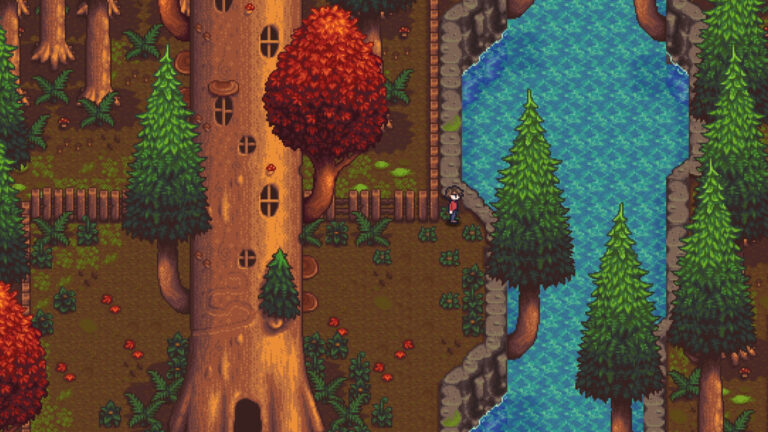
To remove everything from AQW screenshots, open Settings, Advanced Options and enable “Hide UI,” “Hide Names,” and “Hide Players.” Collapse the chat window, then use Print Screen or Snipping Tool. This captures a clean image without HUD, names, or interface clutter. Removing the on-screen interface in AdventureQuest Worlds (AQW) is useful when you want to…